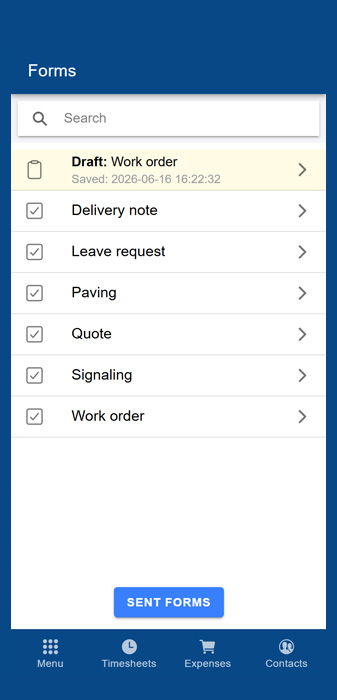
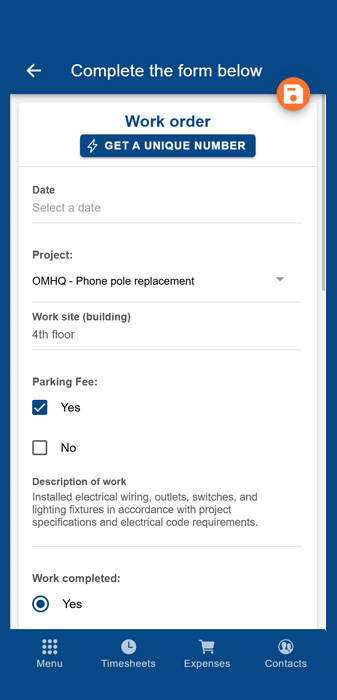
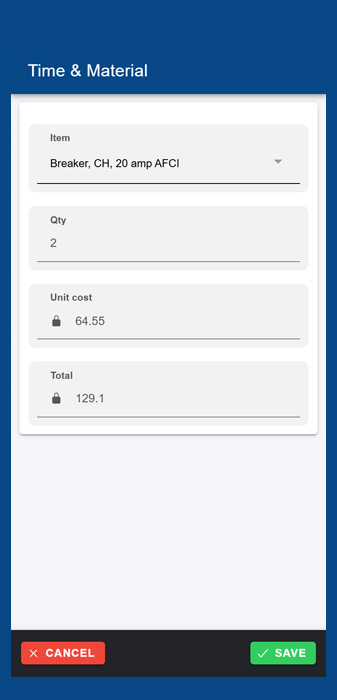
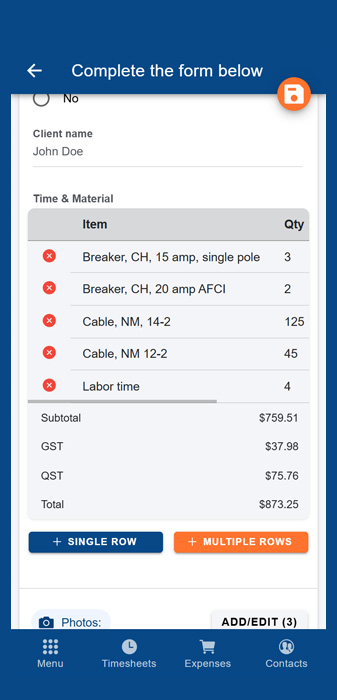
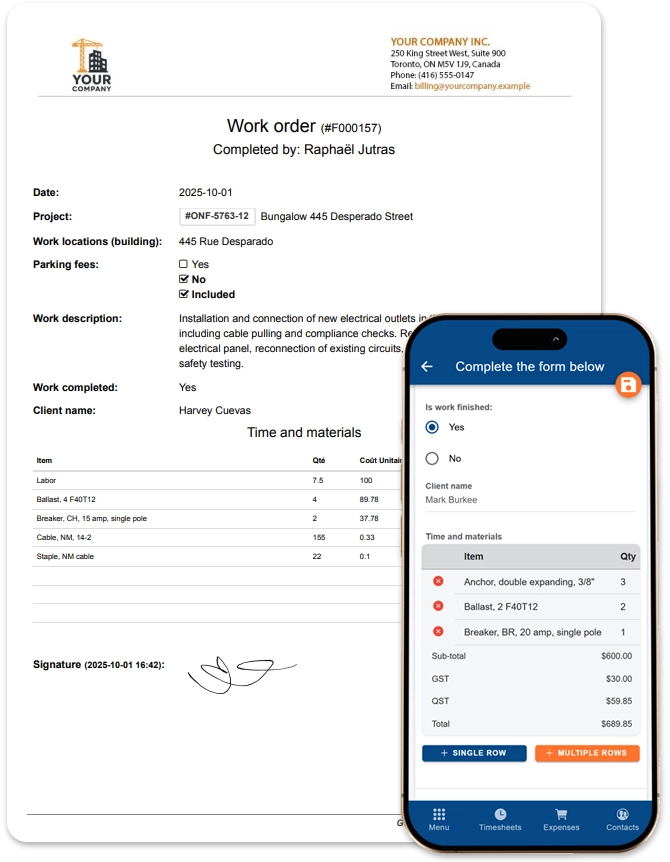
Invoice pads, work orders, material lists, daily reports, etc.: recreate any document and submit it in seconds, right from the job site.
For Employees
Entering Information in the Field Has Never Been This Simple
Your employees select the right template, fill out the fields, and hit submit. Every form received gets its own unique number. You will never lose a document again.
Accessible from a phone, tablet, or computer
Draft mode: save a form and pick it back up later
Unique number assigned to every form submitted
Works offline in areas without signal
Instant delivery: you receive the PDF document as soon as it's submitted
Lists, Signatures & Photos
Build Your FormsYour Way, Tailored to Your Business.
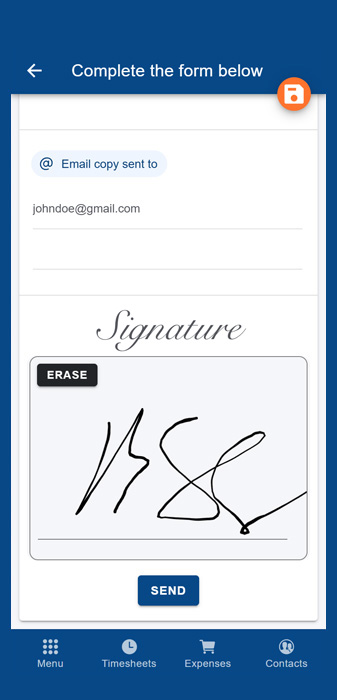
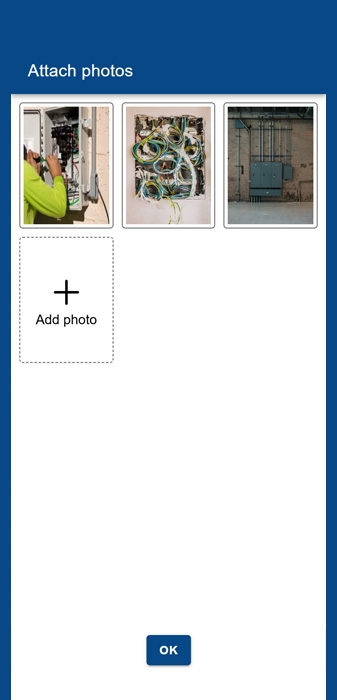
Add / remove questions: multiple choice, description fields, dates, project lists, etc. Get signatures on the spot, attach photos, and set up automatic emailing of PDF copies to the right people.
Automatic email copy to the recipients of your choice
Pre-fill forms at the office to save time on-site
Add lists of materials, clients, subcontractors, suppliers, etc. Import the list from Excel and then plug it into your form
For Administrators
You will never lose another photo or piece of documentation related to work performed by your employees.
Everything is already filed by project and by employee, and easy to find
Add your letterhead and logo for a professional look
Receive PDFs as attachments straight to your inbox
Export documents in Excel or PDF format, in bulk or via API
Find them by unique number, comments, employee, etc.
Frequently Asked Questions
Practically any paper document used in the field: work orders, quotes, invoices, purchase and delivery orders, daily reports, leave requests, material requisitions, health & safety forms, job safety analyses, fuel slips, hiring forms, housing inspections, survey reports, and much more. If you can do it on paper, you can recreate it in Comworker.
Yes, they work offline in areas without signal or in remote regions, and you can also save a form in draft mode to finish it later.
Yes, add or remove questions (multiple choice, description fields, dates, etc.) and create your own customizable lists (materials, clients, subcontractors, employees), which can be imported directly from Excel.
Your employees can get a signature on the spot from their phone or tablet, and attach photos (before/after, issues, broken parts, supporting documentation) directly to the form.
Yes, you can set up automatic emailing of PDF copies to the right people. Every form received also gets a unique number and arrives directly on your "Forms to Receive" page, waiting to be processed.
Yes, you can export documents in Excel or PDF format, in bulk or via our API, and easily find them by unique number, comments, employee, project, or date.
Yes, any company with employees in the field can create its own forms, whether in property management, home care, a municipal organization, and more: there is no limit to the type of document you can recreate.
Ready to simplify communication between the office and the field?
Join hundreds of companies who save time, reduce costs, and work more efficiently with Comworker.